
Smart Home Monitoring Systems for Safety
Motion sensors, fall detection, and remote monitoring. See how smart technology can provide peace of mind for you and your family.
Why Smart Home Monitoring Matters
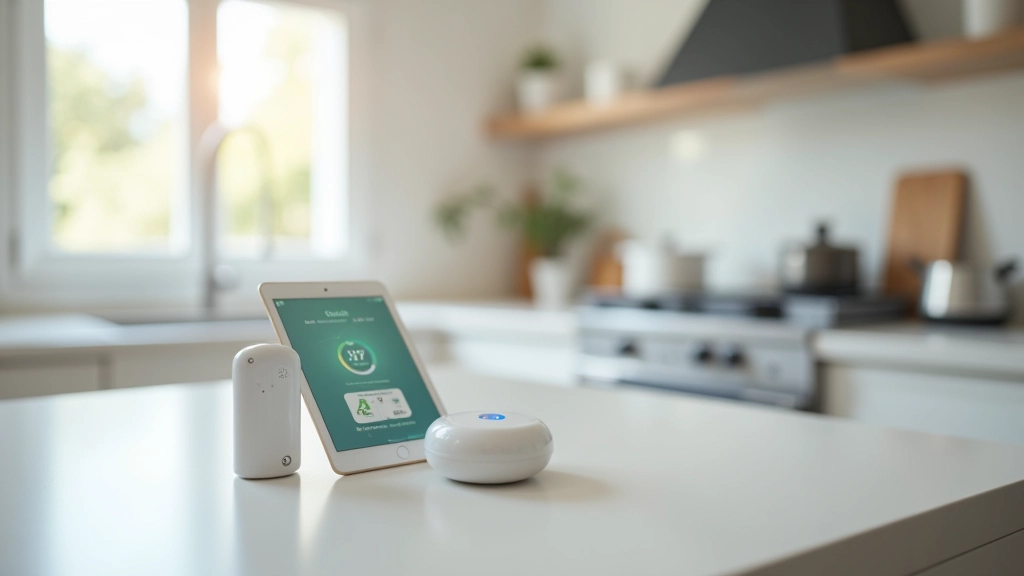
Technology's changed how we keep our homes safe. It's not just about cameras anymore — today's smart systems can detect falls, track movement patterns, and alert family members instantly. Whether you're aging in place or helping a parent stay independent, the right monitoring setup gives everyone peace of mind.
The best part? You don't need to overhaul your entire house. Start with a few key devices in high-risk areas like bathrooms and bedrooms, then add more as you get comfortable with the technology. We'll walk you through what's actually useful versus what's just marketing hype.

Core Monitoring Technologies
Different tools solve different problems. Here's what actually works.
Motion Sensors
Detects movement in specific rooms. Useful for tracking nighttime bathroom visits or unusual activity patterns. Most cost $20-40 per sensor and run on batteries for 1-2 years.
Fall Detection
Wearable devices or smart mats that recognize falls and send alerts. Some use AI to distinguish real falls from just sitting down quickly. Response time is critical — under 30 seconds is standard.
Smart Cameras
HD cameras with two-way audio. Placed in living areas (not bathrooms). Privacy-conscious models store footage locally rather than the cloud. Good for checking in remotely.
Environmental Sensors
Temperature, humidity, and air quality monitors. Prevent issues like dangerous overheating or poor ventilation. Especially important in bedrooms and bathrooms.
Water Sensors
Detects leaks under sinks and near water heaters. Prevents water damage and alerts you before small problems become expensive. Battery-powered, typically last 3-5 years.
Door/Window Sensors
Track entry and exit patterns. Useful for knowing if someone's left the house or wandered outside. Can send alerts if doors open unexpectedly at night.
Setting Up Your System: Where to Start
Don't buy everything at once. Most people start with three key areas: the bathroom, bedroom, and main living space. These are where most falls happen and where monitoring makes the biggest difference.
Bathroom Priority: Install motion sensors above doorways and near the toilet area. Add a fall detection mat near the shower. Temperature sensors prevent scalding water accidents. You're looking at $150-250 for basic bathroom coverage.
Bedroom Setup: Motion sensor by the bed catches nighttime bathroom trips. Fall detection wearable kept on the nightstand. A camera in the corner (angled away from the bed) lets you check in remotely. Budget around $200-300.
Living Area: One good quality camera, motion sensors in high-traffic spots. Water sensor under the kitchen sink. This part's flexible — add as needed. Figure $300+ depending on camera quality.
What Separates Good Systems from Great Ones
These capabilities matter most for safety-focused monitoring.
Key Features That Actually Help
- Local Storage: Video saves to a device in your home, not the cloud. Protects privacy and works if internet goes down.
- Instant Alerts: Notifications arrive within seconds. Delays cost lives in fall situations — look for sub-30-second response times.
- Two-Way Audio: You can talk through the camera. Reassuring for both parties and can help in emergencies.
- No Subscription Required: Core features work without monthly fees. Some premium features cost extra, but basic monitoring should be free.
- Integration: Devices talk to each other. When motion is detected in the bathroom at 3 AM, it can automatically turn on lights and send alerts to multiple family members.
- Battery Backup: Hub and cameras keep running during power outages. 4-8 hours minimum is standard.
Getting the Most From Your System
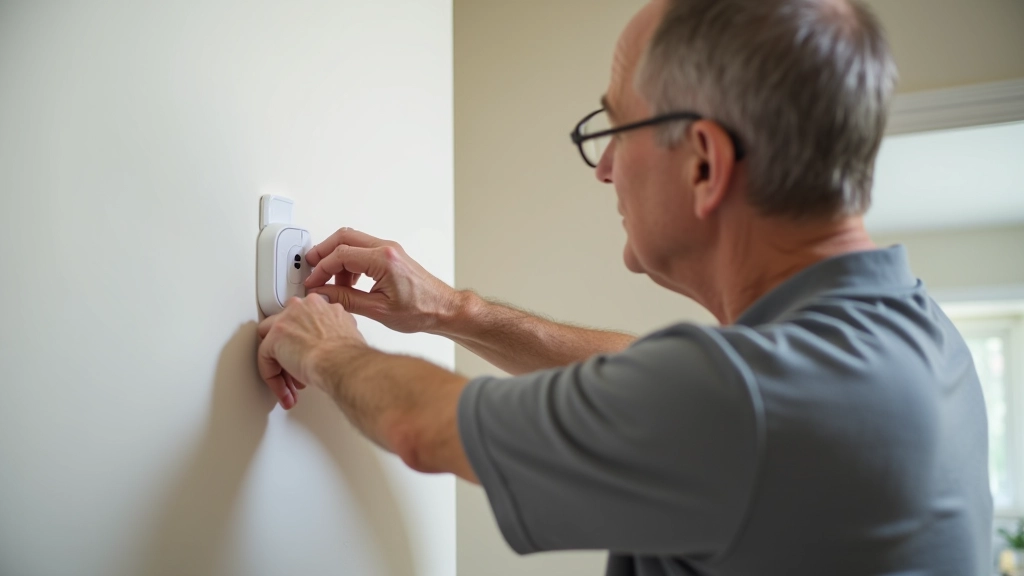
Installation isn't complicated, but placement matters enormously. A motion sensor mounted too high misses movement. A camera with glare on the lens won't help in an emergency.
Sensor Placement: Mount motion sensors at waist height, pointing toward likely movement paths. In bathrooms, position them so they don't have a direct line to the toilet (privacy). Test each sensor by walking past it — you should see the light blink within 1-2 seconds.
Camera Angles: Point cameras toward doorways and high-traffic areas, not directly at furniture. Avoid backlighting from windows — it causes shadows. Test the view on your phone before finalizing placement.
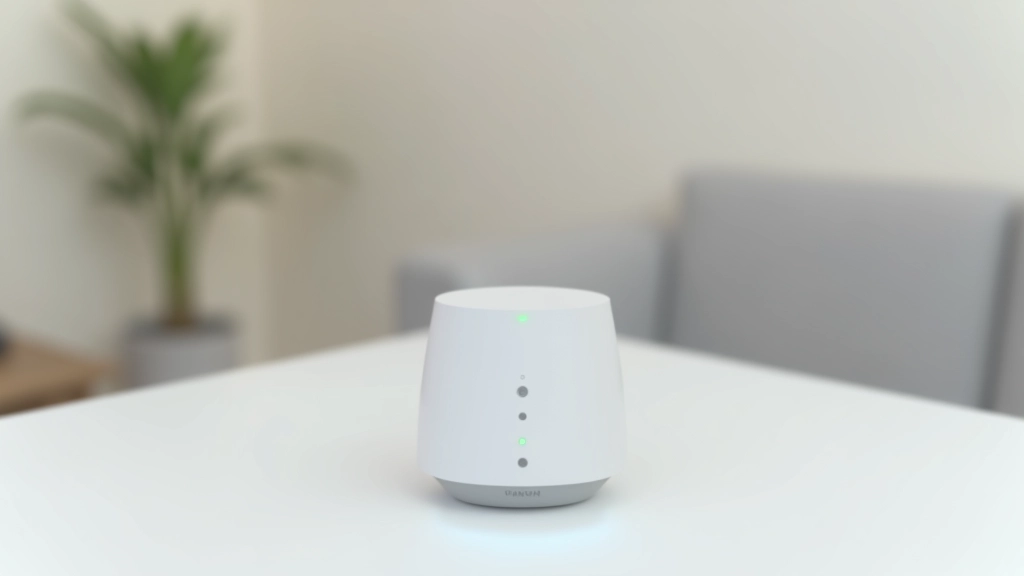
Connectivity: These devices need WiFi or a hub connection. Don't rely on 2.4GHz WiFi alone — some sensors need 5GHz. Check signal strength in each room. Dead zones are dangerous zones.
Testing & Alerts: Walk through your entire setup monthly. Trigger each motion sensor. Verify alert notifications reach everyone who should know. Update phone numbers and contact info twice yearly.
Privacy and Security Considerations
Smart monitoring helps keep people safe, but it's also a responsibility. Here's what you need to think about:
Privacy Zones
Never install cameras in bathrooms or bedrooms where someone's changing clothes. Motion sensors are fine — cameras aren't. Be transparent about where monitoring happens.
Consent Matters
If you're monitoring an adult family member, they should know and agree. Secretive monitoring damages trust and could be illegal depending on your location.
Data Security
Change default passwords immediately. Use strong, unique passwords. Enable two-factor authentication where available. Don't share camera access with people who don't absolutely need it.
WiFi Network
Use a separate guest network for smart devices if possible. This keeps them isolated from computers with sensitive data. Update router firmware regularly.
The Bottom Line
Smart home monitoring isn't about surveillance — it's about creating a safety net. The right system detects problems before they become emergencies. Falls get reported instantly. Unusual patterns get noticed. And everyone sleeps better knowing help's just a notification away.
Start small. Focus on high-risk areas. Make sure devices actually alert the right people. Don't buy features you won't use. And remember — technology works best when combined with the basics: grab bars in bathrooms, good lighting, clear pathways, and regular check-ins with loved ones.
Ready to Explore More Home Safety Options?
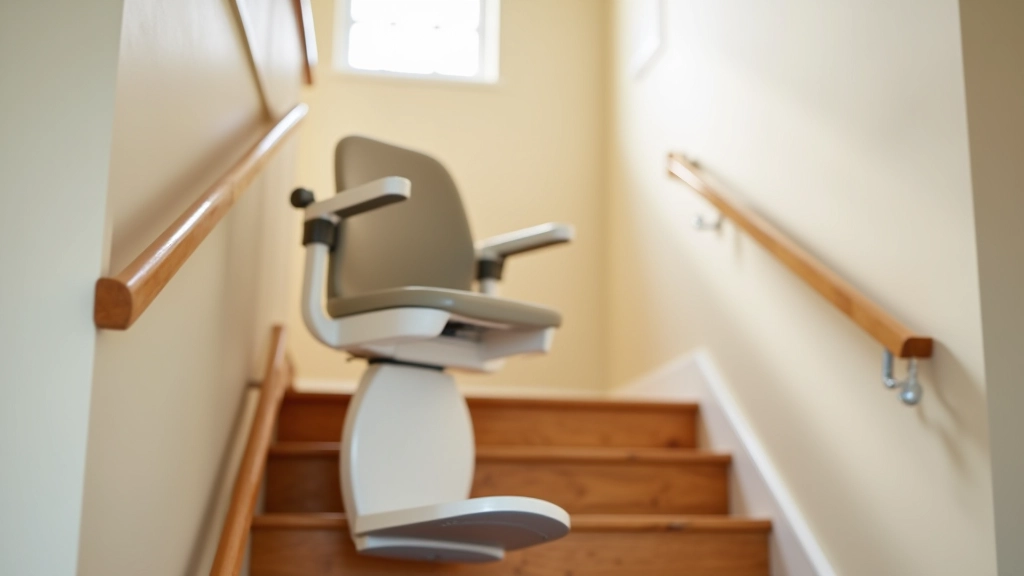
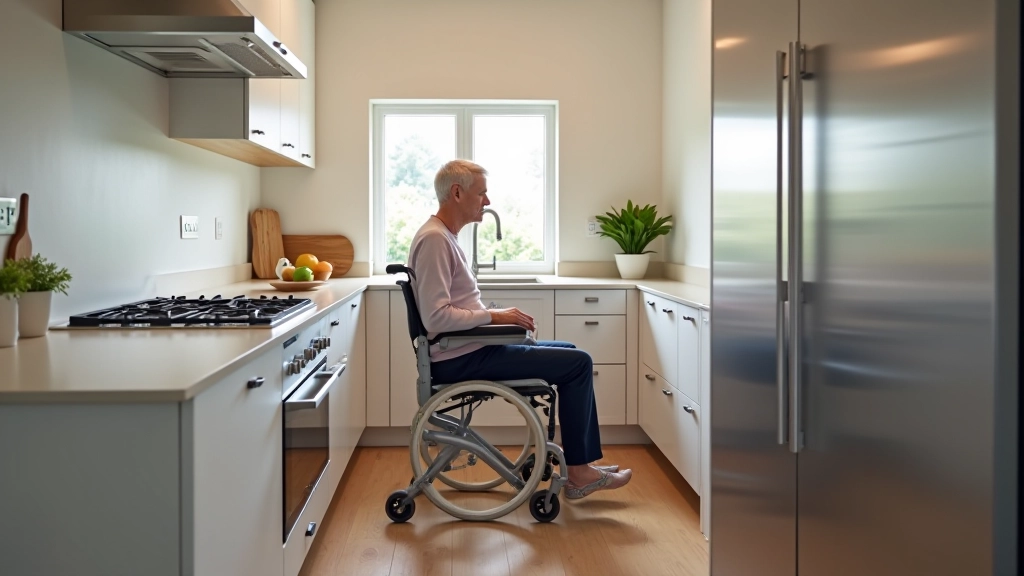
Check out our guides on bathroom grab bar installation, stair lift options, and accessible kitchen design to create a comprehensive safety plan for your home.
Browse Home Safety ResourcesRelated Home Safety Guides
Important Disclaimer
This article provides educational information about smart home monitoring systems for safety purposes. It's not a substitute for professional advice from security experts, healthcare providers, or home safety specialists. Every home and situation is different — what works for one household may not work for another. Before implementing any monitoring system, consider consulting with occupational therapists or home safety professionals who can assess your specific needs. Smart monitoring is one part of a comprehensive home safety plan that should also include physical modifications, regular maintenance, and family communication. Always follow manufacturer instructions carefully and keep emergency contacts updated.